
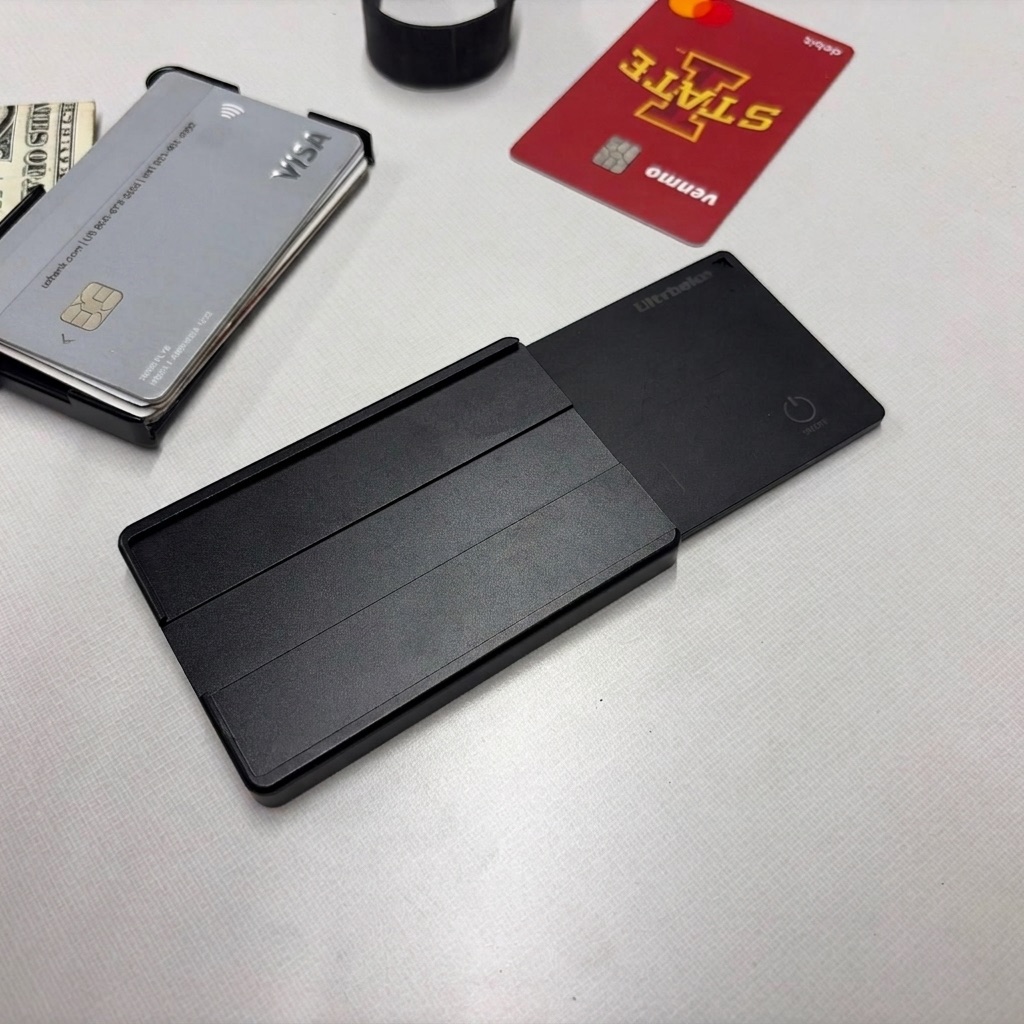
Apple Find My lets you track a wallet by pairing an AirTag or Find My compatible card tracker to your Apple ID. Open the Find My app, tap Items, and you see the last known location on a map. Tap Play Sound to ring it if it is nearby. The whole setup takes about 2 minutes and works with any iPhone running iOS 14.5 or later.
How to Set It Up
Pull the AirTag tab to activate the battery, hold it near your iPhone, and follow the on-screen prompts to name it and add it to your Apple ID. If you have a card-shaped Find My tracker, the setup is similar: activate and hold near your phone. Once paired, the item appears in the Find My app under the Items tab.
Name it something useful like 'Black Wallet' so you are not guessing which item is which when you have multiple trackers paired.
Reading the Map Location
Find My shows you the last location where any iPhone in Apple's network detected your tracker. In a city, that can be minutes ago and accurate to within a few meters. In a less populated area, it might show a location from hours ago. The map also shows an accuracy circle; a tighter circle means more confidence in the location.
If your wallet is at home and you forgot it, Find My will show your home address. If you left it at a restaurant, it will show the restaurant. If someone took it, it shows where they went after the fact, not live GPS.
Precision Finding with Ultra Wideband
iPhone 11 and later models with the U1 chip support Precision Finding for AirTag. When you tap Find and your wallet is within Bluetooth range, the phone uses directional data to show an arrow and distance in feet. It works like a hot-cold game and is surprisingly accurate. This feature only works for AirTag, not all third-party Find My accessories.
Precision Finding is the most useful feature when the wallet is in your own home and you cannot hear it from where you are standing.
What Find My Cannot Do
Find My does not provide real-time live tracking. It shows location updates as they come in from nearby iPhones, which can be frequent in busy areas and sparse in quiet ones. If your wallet is in an area with no iPhones around, you may see stale location data.
Find My also cannot tell you who has your wallet or contact anyone. It gives you a location to act on; what you do with that location is up to you and potentially law enforcement.
Choosing a Wallet With Find My Built In
The bulkiest part of using AirTag in a wallet is the physical form factor. AirTag is a disc, and wallets have card slots. A card-thin Find My tracker solves this but requires a separate purchase and a wallet with space for it.
The Brik tracking wallet includes a removable card tracker at checkout with your choice of Apple or Android ecosystem. The card charges wirelessly and lasts up to 6 months per charge, so you are not swapping batteries. For a comparison of tracker types, see the guide on how wallet tracking cards work.
Quick answers
Does Find My work without Wi-Fi or cellular?
Your wallet tracker does not need Wi-Fi or cellular. It uses Bluetooth. But you need internet on your iPhone to view the map and receive location updates.
Can someone else see my wallet location?
No. Tracker locations are tied to your Apple ID and only visible to you and anyone you share the item with explicitly. The network relays are anonymous and encrypted.
What if my wallet shows up in a location I do not recognize?
Check the address. It may be somewhere you passed through. If it is at a specific address you have never been, share the location with local police rather than confronting anyone yourself.
Can I share wallet tracking with a family member?
Yes. Apple Family Sharing lets family members see each other's Find My items. This is useful if a spouse or parent needs to help locate the wallet.