
Tech workers have a carry problem: the job generates more accessories than almost any other field. Dongles, adapters, cables, security keys, earbuds, and a laptop that weighs more than it looks. Here's how to build a carry that's organized without becoming a gear obsession.
The Core Daily Carry for Tech
Strip it to the essentials first. Everything else is optional until you confirm you need it regularly.
- Laptop and the right charger. USB-C is standard now for most setups, but verify your machine's requirements. Keep one charger in your bag permanently, not on your desk at home.
- Dongles and adapters. The ones you use at least weekly. HDMI and USB-A are the most common for conference rooms. Put them in a small pouch so they're findable.
- Security key or access hardware. If your company uses hardware 2FA (YubiKey or similar), it lives on your keychain or in a consistent bag pocket. Never in a random pocket where it goes through the laundry.
- Earbuds or headphones. Open-plan offices and video calls require them. Noise-canceling earbuds that fit in a pocket are the standard for most tech workers.
- Office badge. Tap-access everything. Keep it scannable in your wallet's front slot rather than on a badge reel that gets tangled in your cable bag.
- Slim wallet. Five to eight cards. No loyalty cards for places you visit once a year. No receipts. Clean wallet, clear head.
The Cable and Accessory Problem
Tech workers accumulate cables at a rate that defies explanation. The fix is a small zippered pouch designated for cables and adapters. Whatever doesn't fit in the pouch either goes in a drawer at home or gets donated. If you can't identify what a cable connects within five seconds, it leaves.
Keep a phone charger in your bag and a second at your desk. Don't move them between locations. Buy an extra if you have to.
Remote, Office, or Both
Fully remote tech workers still need a carry for coffee shop working and the occasional team on-site. The bag goes with you even on home days if you're leaving the apartment.
If you're hybrid, your bag setup should be identical on office and home days. The items that make you productive don't change based on location.
Wallet and Keys for Tech Workers
In a field where your phone does most of what a wallet used to do, it's tempting to go minimal. The issue is that most offices still require physical badge access, and some situations require a physical card or cash.
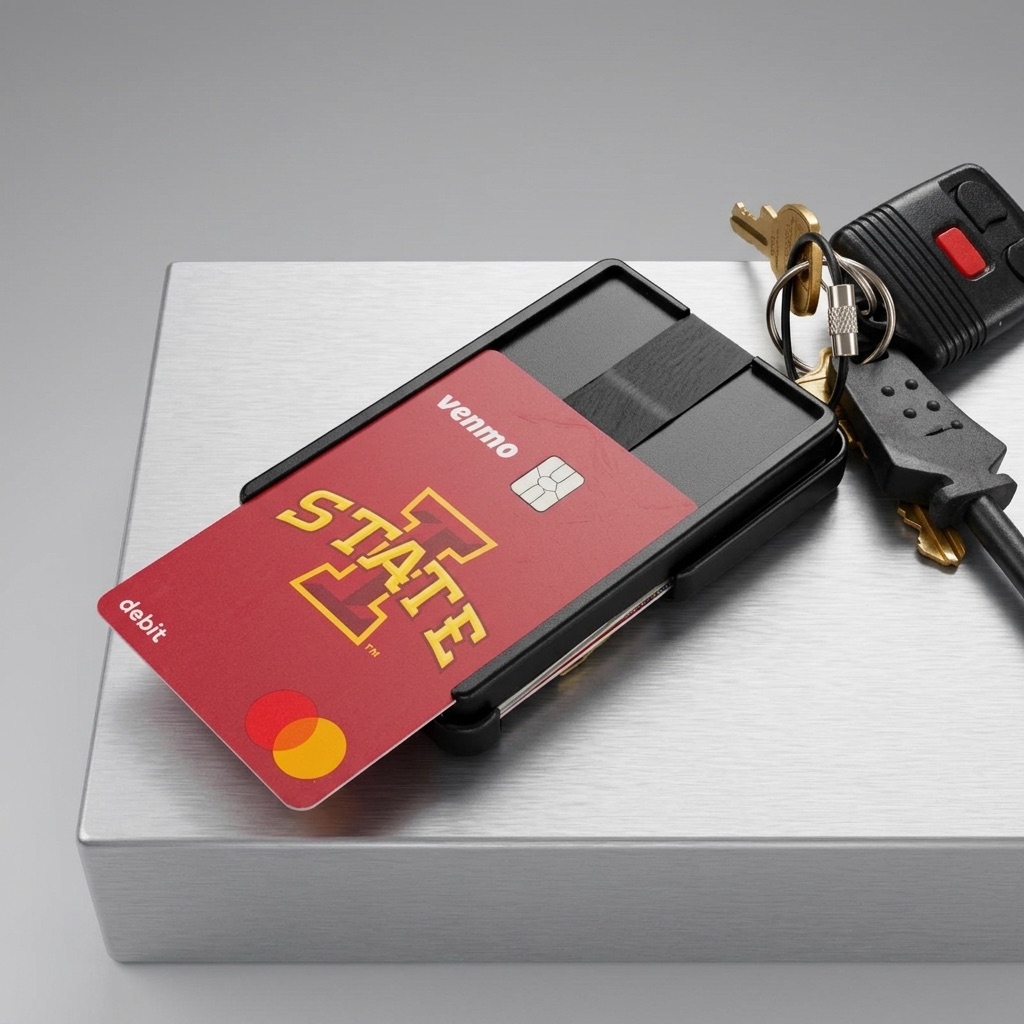
The Metal Brik is a reasonable choice for tech workers who want wallet and keyring combined into one item. The front ID slot keeps an office badge scannable without removal, and the RFID-protected main compartment covers your payment cards. For people who work across multiple locations or tend to lose track of their wallet at a busy desk, the optional tracking card rings from your phone.
See the setup at the pro wallet page. For a broader checklist, see /guides/young-professional-essentials-checklist.
Quick answers
How do tech workers manage all the cables and dongles they carry?
A small zippered pouch dedicated to cables and adapters keeps them findable and contained. Only carry the ones you use at least weekly.
Where should a hardware security key live?
On your keychain or in a dedicated bag pocket. Anywhere consistent. A security key that goes through the laundry or gets left at home is a bad day at login.
Do tech workers still need a physical wallet?
Yes. Office badge access, some client or vendor situations, and emergency cash all require a physical carry. Keep it slim and minimal.